Contents
Short verdict: temi V3 is best understood as a mobile telepresence and service robot, not a general-purpose humanoid helper. It can navigate mapped indoor spaces, make moving video calls, follow a user, run supported apps, and return to its charging dock.
It may suit businesses, schools, healthcare environments, and some families—but only after a site demo confirms that it works with the building, network, privacy requirements, and intended workflow.
Disclosure: TwistyApps has not physically tested these robots. Specifications and availability below come from Temi’s official product pages and should be reconfirmed with an authorized dealer before ordering.
What Is the temi Robot?
temi V3 is a wheeled indoor robot with a 13.3-inch touchscreen, cameras, microphones, speakers, autonomous navigation, and remote video calling. A person can use the temi mobile app to connect to the robot and move through a mapped home, office, school, clinic, or public venue.
The important word is mobile. A tablet can make a video call, but temi can move to saved locations and let a remote participant look around from a different position. For a business, the same navigation platform can support reception, visitor guidance, customer engagement, remote inspection, and custom applications.
Best reason to consider temi: you have a clear indoor workflow where mobility adds value—such as remote family visits, reception, classroom participation, facility tours, or staff access to another location.
Who This Guide Is For
- People researching temi before buying or requesting a quote.
- Families considering a telepresence robot for remote visits.
- Businesses evaluating reception, hospitality, healthcare, education, or remote-presence uses.
- Beginners comparing personal robots and trying to separate useful functions from marketing language.
If your main goal is cleaning, lifting objects, climbing stairs, outdoor travel, or physical caregiving, temi is probably the wrong product category. It does not have arms, and its official product pages position it primarily around navigation, communication, engagement, delivery, advertising, and inspection.
temi Robot Models Compared
Temi currently presents six robots in the same product family. Public prices and verified aggregate star ratings were not displayed on the official pages checked on June 19, 2026. Reliable current price ranges could not be established for every model, so the table links to each model’s official product page and its embedded Contact Sales form instead of presenting speculative estimates.
| Comparison | temi V3 | temi GO | temi GO PRO | temi Platform | Fourcast | Blackjack |
|---|---|---|---|---|---|---|
| Product image |  |
 |
 |
 |
 |
 |
| Name and role | temi V3 Telepresence and service robot |
temi GO Open-tray delivery robot |
temi GO PRO Enclosed multi-compartment delivery |
temi Platform Custom robotic base |
Robocore Fourcast Mobile advertising robot |
Robocore Blackjack Security and inspection robot |
| Price / quote | Not publicly listed Request a temi V3 quote |
Not publicly listed Request a temi GO quote |
Not publicly listed Request a GO PRO quote |
Not publicly listed Request a Platform quote |
Not publicly listed Request a Fourcast quote |
Not publicly listed Request a Blackjack quote |
| Verified public rating | Not published | Not published | Not published | Not published | Not published | Not published |
| Published operating time | Up to 8 hours | 8 hours normal; 3.5 heavy | 4–5 hours normal | 8 hours normal; 4–5 heavy | 6 hours normal; 4 heavy | 8 hours normal; 3.5 heavy |
| Weight | 26 lb / 12 kg | 132.3 lb / 60 kg | 166.4 lb / 75.5 kg | 77.2 lb / 35 kg | 150 lb / 68 kg | 213 lb / 96.55 kg |
| Best fit | Video calls, reception, education, remote presence | Food, drink, and open-tray delivery | Secure delivery between departments or floors | Developers and custom commercial systems | Advertising and promotional engagement | Property patrol, inspection, and surveillance workflows |
On a phone, swipe horizontally to see all product columns. Each product-name and quote link opens the relevant official Temi page. Its Contact Sales form appears below the product overview. Specifications, availability, and quoted prices may change.
Which temi Model Should You Choose?
Choose temi V3 for telepresence and face-to-face interaction
temi V3 is the most relevant model for families, schools, clinics, reception areas, and businesses that want remote presence or a moving information screen. It has a 13.3-inch 1920 × 1080 display, a 13 MP camera, four omnidirectional microphones, a 20 W audio system, Wi-Fi 5, Bluetooth 5.1, and optional cellular connectivity.
The official specifications list a weight of 26 pounds (12 kg), a maximum speed of 1 meter per second, zero-turn maneuverability, and up to eight hours of operation per charge. It can return to its dock automatically. These features make it more practical than the delivery and inspection models for normal communication.
Choose temi GO for open-tray delivery
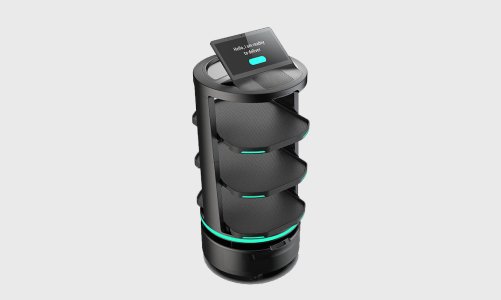
temi GO is designed for transporting food, drinks, documents, and other items on open trays. It is much heavier than V3 and is a business logistics product, not a family telepresence robot. The official page lists an eight-hour normal-use figure, 3.5 hours under heavy use, and movement up to 1 meter per second.
Choose temi GO PRO when the delivery must be enclosed
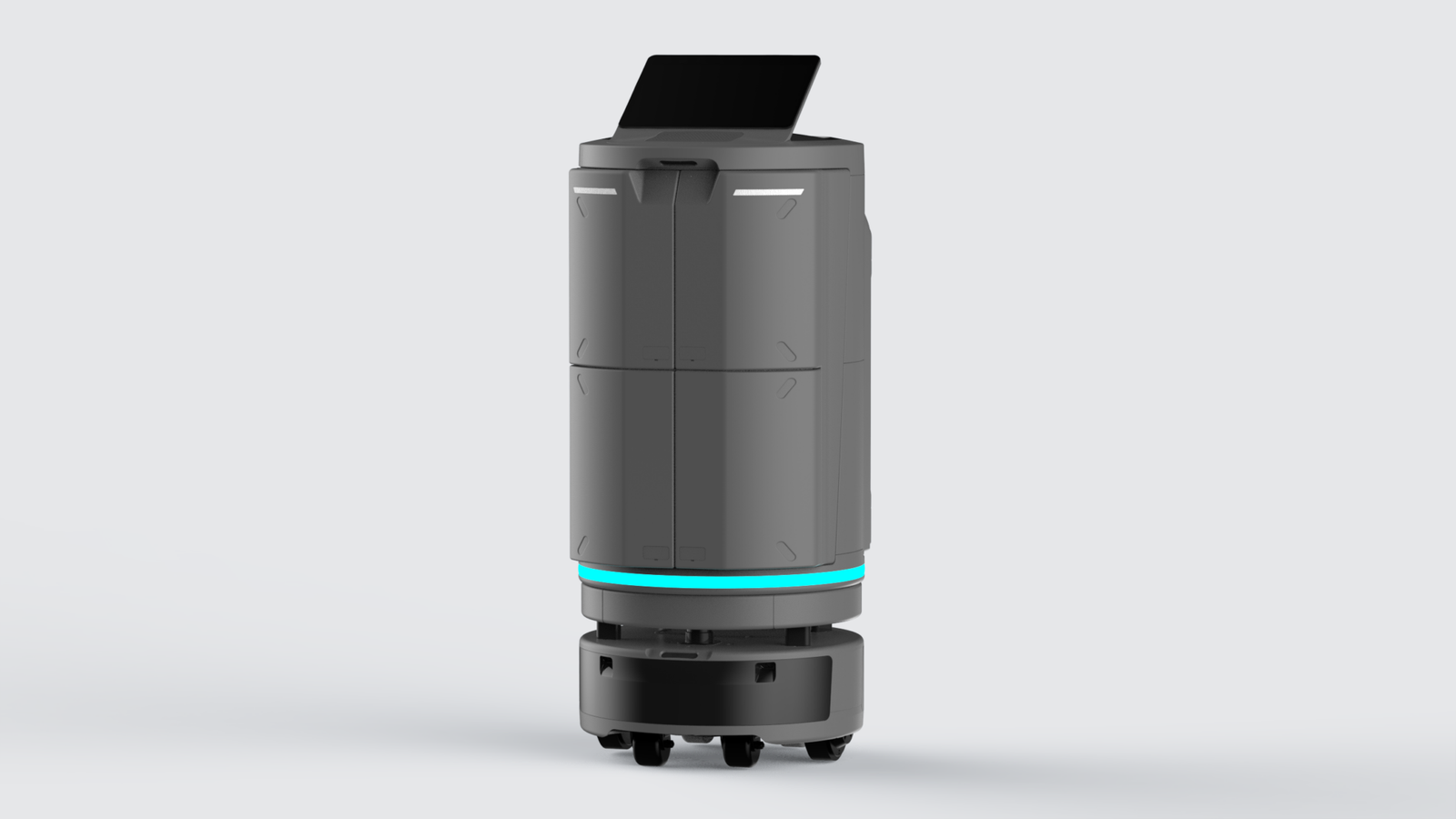
temi GO PRO adds enclosed storage configurations. Temi lists options for one, two, or four storage cabinets, making this model more suitable when items should not sit on an exposed tray. Possible settings include healthcare, hotels, offices, and cross-floor delivery, but elevator and automatic-door integration must be confirmed during the site assessment.
Choose temi Platform for a custom robot project
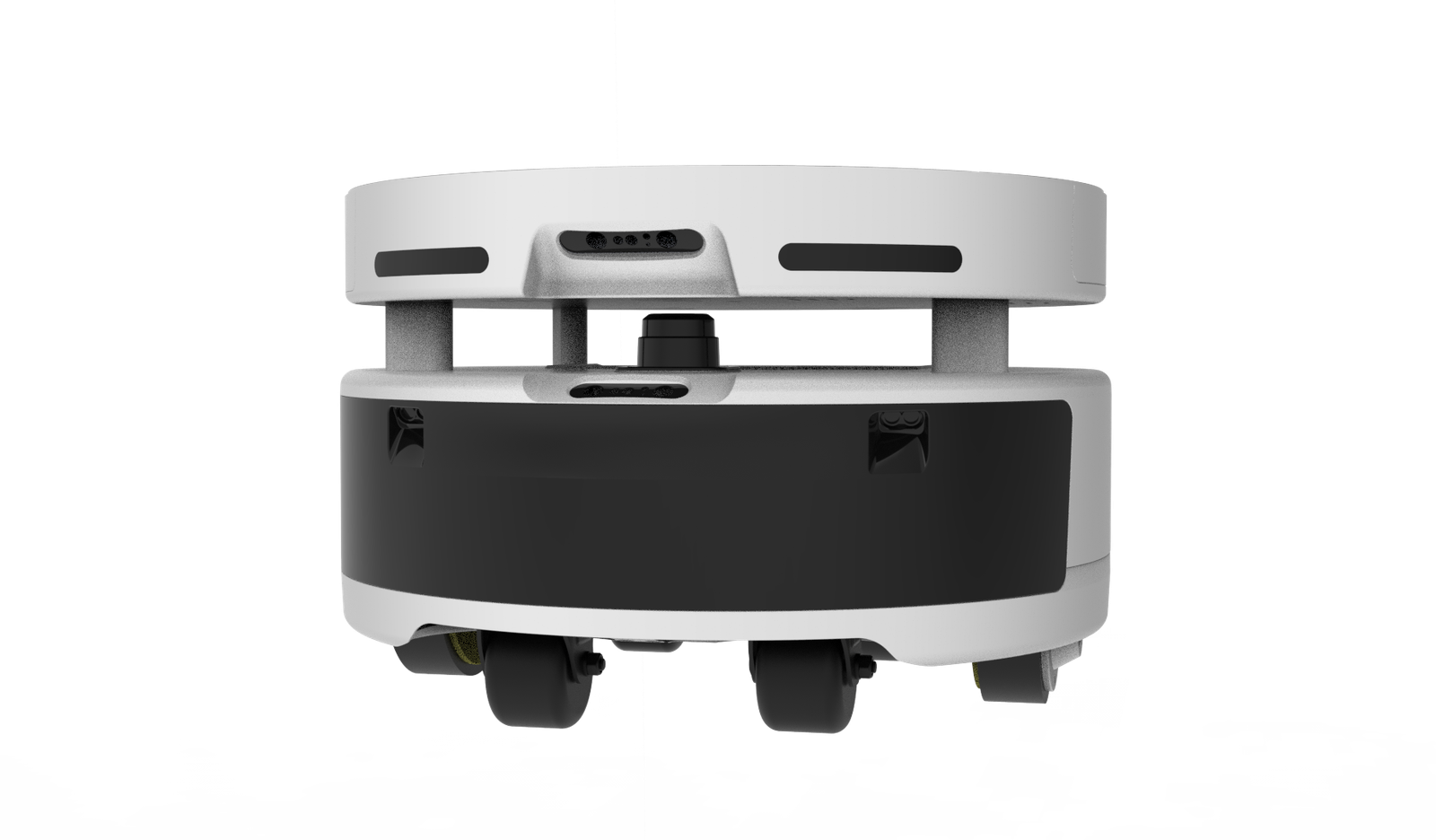
temi Platform is a mobile base intended for developers and organizations building a custom robot. Its official specifications list a 35 kg base, payload capacity up to a 90 kg total system weight, a map size up to 20,000 square meters, support for up to 1,000 locations, and SDK access.
This option only makes sense if you have an engineering partner, integration budget, and a defined application. It is not a simpler or cheaper substitute for temi V3.
Choose Fourcast for mobile advertising
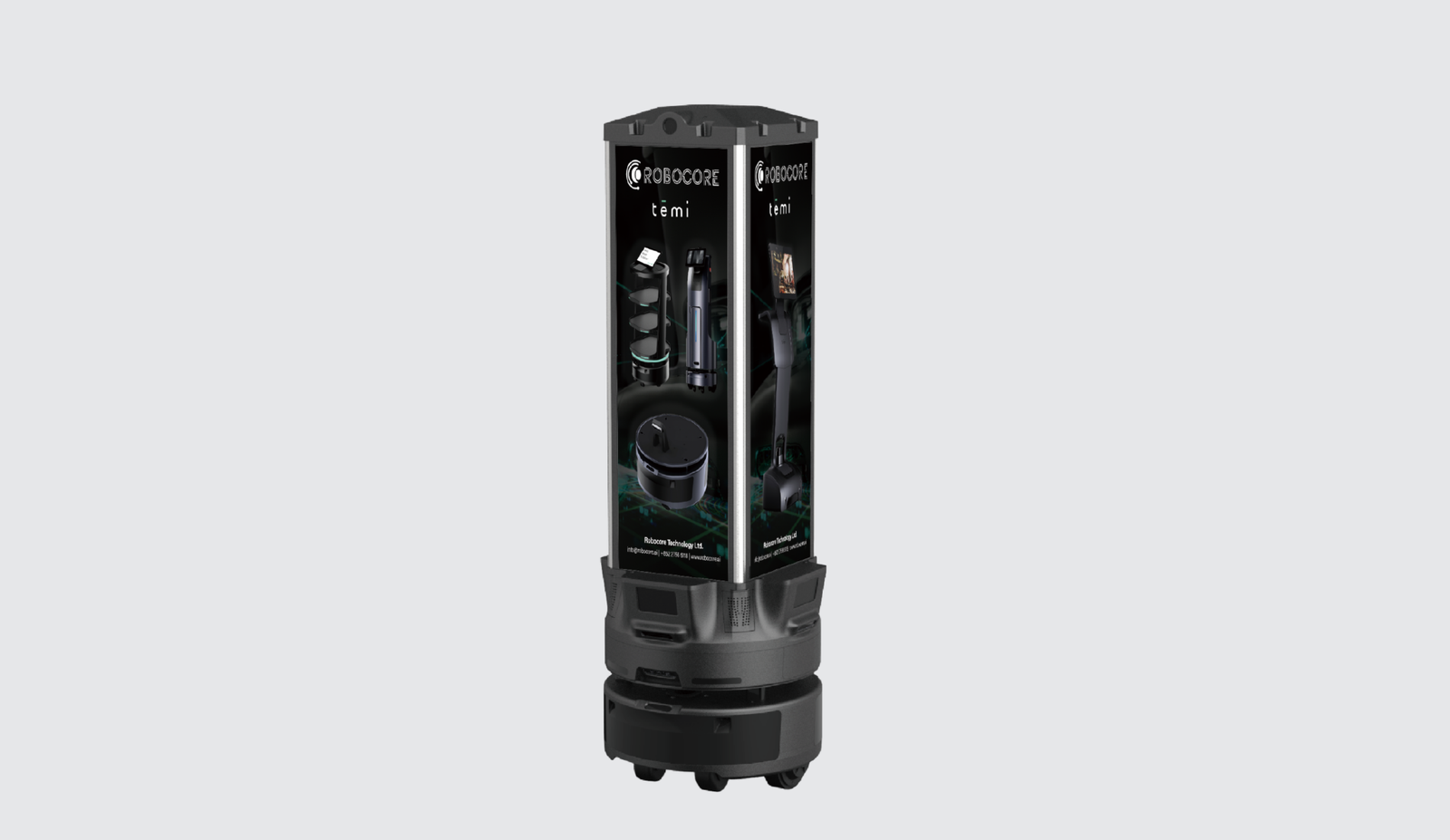
Robocore Fourcast combines Temi’s mobile platform with a tall advertising display, camera, projection equipment, Wi-Fi, and 4G. It is aimed at malls, events, retail spaces, and other venues where a moving promotional display may attract attention.
Choose Blackjack for inspection and security workflows
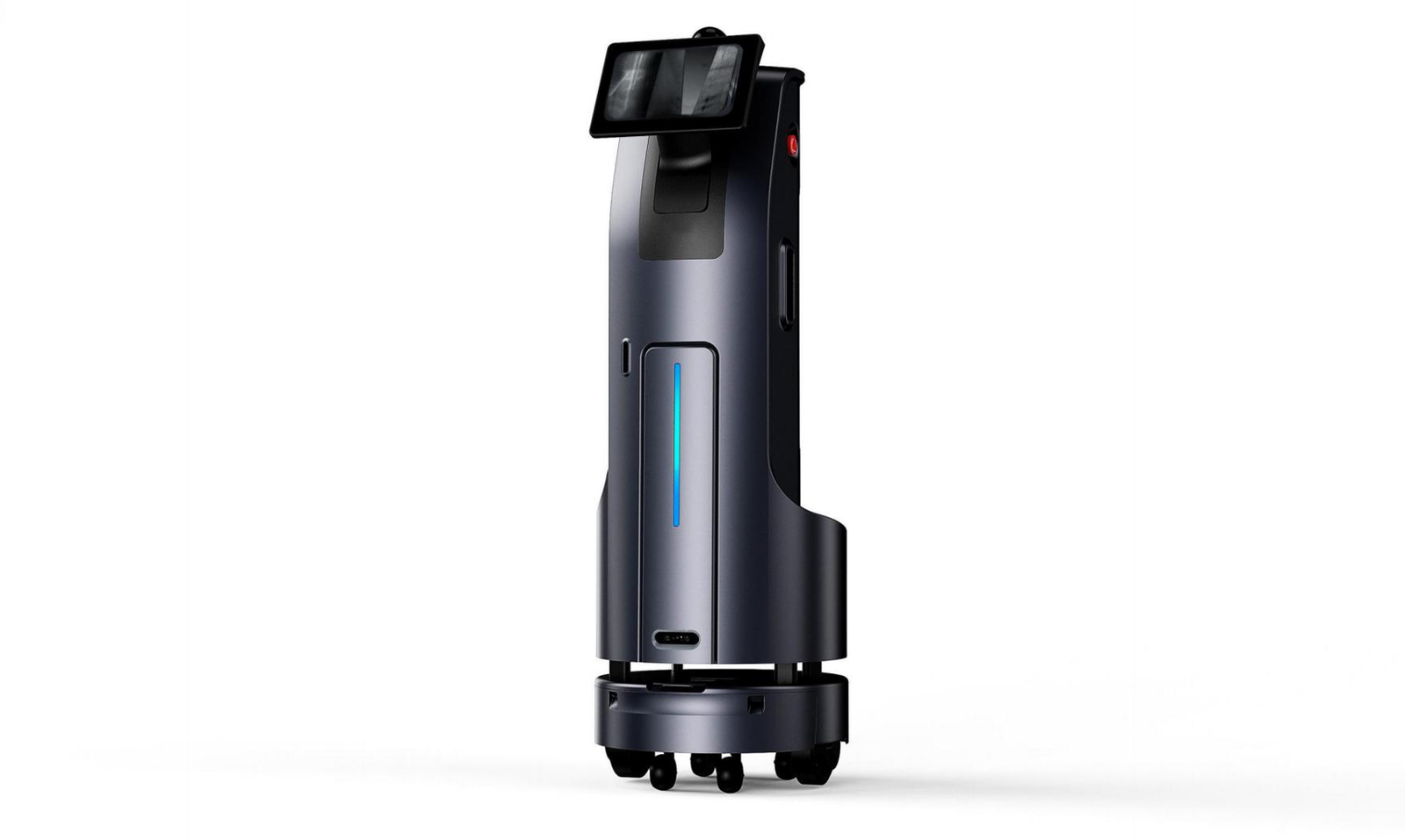
Robocore Blackjack is the largest and heaviest option in this comparison. The official page positions it for security, property management, and lift inspection. It can reach 87.2 inches (221.5 cm) with its elevator extension and weighs about 213 pounds (96.55 kg). This is specialized commercial equipment and requires a serious site, safety, and integration review.
What Can temi V3 Actually Do?
- Mobile video calls: a remote participant can connect through the temi app and move through an approved mapped area.
- Follow mode: the robot can follow a person while keeping the screen oriented toward them.
- Saved locations: users can send the robot to named positions within its map.
- Reception and guidance: organizations can use the screen for information, remote staff access, and supported custom workflows.
- Media and supported apps: the robot provides audio, video, app, and web-service functions within Temi’s platform.
- Developer integrations: Temi provides an SDK and centralized management tools for compatible business deployments.
Do not confuse autonomy with intelligence. temi can navigate a mapped indoor environment and execute supported commands. That does not mean it can understand every situation, provide physical assistance, make care decisions, or safely operate in every building without preparation.
Practical Use Cases
Families and remote relatives
A family member who lives elsewhere could use temi to join conversations from different rooms instead of depending on someone to carry a phone or tablet. This may be useful for regular social visits, but it should not be treated as emergency monitoring or a replacement for human care.
Reception and customer service
A remote employee could greet visitors, answer basic questions, or guide someone to a saved location. The business still needs a fallback plan for connectivity failures, accessibility needs, unusual questions, and situations that require an on-site person.
Healthcare and senior environments
Telepresence can help with remote communication, rounds, and family contact. Healthcare deployments raise stricter questions about patient privacy, consent, cleaning procedures, Wi-Fi coverage, access control, and whether the proposed software meets the organization’s compliance requirements.
Education
A student, teacher, guest speaker, or specialist may participate remotely and move between approved locations. Schools should define who controls the robot, when cameras and microphones may be used, how recordings are handled, and whether children can access the controls.
Delivery, advertising, and inspection
The larger Temi models target commercial operations. A delivery robot may reduce repetitive walking in a predictable indoor route. An advertising robot can carry a campaign through a venue. An inspection robot can provide remote visibility. None should be purchased before testing the exact route and integration requirements.
Organizations planning automation may also find our guide to practical AI workflows for small businesses useful when deciding which tasks should be automated and which still need human judgment.
Pros and Cons of temi V3
Pros
- Mobility makes remote presence more flexible than a fixed tablet.
- Large tilting display, wide-angle camera, microphones, and speakers suit video communication.
- Autonomous docking reduces manual charging work.
- Saved locations and follow mode support practical indoor workflows.
- SDK and centralized management increase business potential.
Cons
- No public price makes early budget comparison difficult.
- Value depends heavily on the building layout and Wi-Fi quality.
- It cannot use stairs and may struggle with unsuitable thresholds, gaps, clutter, or crowded routes.
- Cameras, microphones, facial recognition support, and remote access create privacy and security responsibilities.
- It does not provide hands-on physical assistance.
Important Limitations Before You Buy
Stairs and floor transitions
Temi robots are designed for indoor wheeled navigation. They cannot climb stairs. Check door thresholds, elevator access, ramps, floor gaps, thick rugs, reflective surfaces, narrow passages, and regularly moved furniture. A successful showroom demonstration does not prove that the robot will work in your building.
Wi-Fi and remote access
Telepresence depends on reliable networking. Test coverage across the entire route, including hallways, elevators, waiting areas, and rooms with closed doors. Ask how the system behaves when it loses connectivity and whether optional cellular service is available in your region.
Privacy and security
The combination of a camera, microphones, remote driving, cloud services, user accounts, and optional facial recognition deserves a formal privacy review. Ask where data is stored, what is recorded, which administrators can access the robot, whether multi-factor authentication is supported, how logs are retained, and how former employees lose access.
Apply the same account and update discipline described in our smartphone security guide: use unique passwords, restrict account access, install updates, and remove accounts that are no longer needed.
Accessibility and human backup
A robot should not become the only way to receive help. Keep a human alternative for visitors who cannot see, hear, reach, understand, or comfortably interact with the screen. For safety-sensitive settings, define what happens when the robot is charging, offline, blocked, or being serviced.
What to Ask Temi or a Dealer Before Requesting a Quote
- What is the complete price for the robot, shipping, tax, setup, training, software, support, and required accessories?
- Is pricing a one-time purchase, subscription, lease, Robot-as-a-Service plan, or a combination?
- Which functions require ongoing licenses or paid cloud services?
- Can you perform a demonstration using our real floor plan and intended route?
- Does the quote include mapping, deployment, staff training, and integration work?
- Which elevators, automatic doors, badge systems, calling platforms, and business tools are supported?
- What warranty, repair turnaround, replacement, and local service options apply in our region?
- How long will this hardware receive security and operating-system updates?
- What data is collected, where is it stored, and can retention or facial recognition be disabled?
- Can we run a paid pilot before committing to a full purchase or fleet?
Best buying process: request a quote, complete a privacy and network review, test the actual route, run a limited pilot, record failure cases, and only then decide whether to expand.
Is temi Worth It?
temi V3 can be worth considering when remote movement solves a specific problem that a phone, tablet, laptop, or fixed kiosk cannot solve. The clearest examples are remote family presence, a mobile reception host, classroom participation, remote facility access, and guided business interactions.
It is harder to justify when the use case is vague. “We want an AI robot” is not a purchasing requirement. A good requirement sounds like: “A remote specialist needs to visit three rooms without asking an employee to carry a tablet,” or “Our receptionist covers two locations and needs a mobile video presence for scheduled visitor hours.”
For most home buyers, the lack of public pricing and the need for route, network, and privacy checks mean a demo is essential. For businesses, the pilot should measure time saved, completed tasks, failed trips, staff intervention, user satisfaction, support cost, and uptime.
Final Recommendation
Choose temi V3 if communication and mobile telepresence are the main goals. Choose temi GO or GO PRO for delivery. Choose temi Platform for a funded custom-development project. Choose Fourcast or Blackjack only for their specialized advertising or inspection workflows.
Do not order based on the specification sheet alone. The final decision should depend on a real-site demonstration, a written total-cost quote, a privacy and security review, and a pilot that tests the exact job you expect the robot to perform.
Next step
Review the official product pages, prepare the ten quote questions above, and ask for an on-site or remote demonstration using your floor plan.
Frequently Asked Questions
How much does the temi robot cost?
Temi’s official product pages checked on June 19, 2026 did not display a public price. Buyers are directed to dealers or a sales contact. Request the total cost including hardware, software, setup, shipping, support, accessories, and recurring fees.
Can temi climb stairs?
No. temi is a wheeled indoor robot. Multi-floor use requires a compatible elevator workflow or a robot on each floor.
Can temi replace a caregiver or employee?
No. It can support communication, navigation, information, delivery, and remote-presence tasks, but it cannot provide hands-on care, make professional decisions, or handle every unexpected situation.
Does temi work without Wi-Fi?
Some local functions may remain available, but remote calling, management, apps, and connected services depend on network access. Confirm offline behavior and optional cellular support for the exact configuration you are considering.
Which temi robot is best for a family?
temi V3 is the relevant model for family telepresence. The GO models are delivery robots, Platform is for custom development, Fourcast is for advertising, and Blackjack is for security and inspection.
Is the temi robot safe and private?
The robot includes obstacle-detection and navigation systems, but safe deployment still depends on the route and supervision. Privacy depends on account controls, network security, data settings, user consent, and organizational policies. Review these before deployment.
Official Sources
- Temi robot product family
- temi V3 product page and specifications
- temi GO product page and specifications
- temi GO PRO product page and specifications
- temi Platform product page and specifications
- Robocore Fourcast product page and specifications
- Robocore Blackjack product page and specifications
- Temi privacy policy
- Temi software updates
Sources checked: June 19, 2026. Prices, availability, specifications, software, and dealer terms may change.